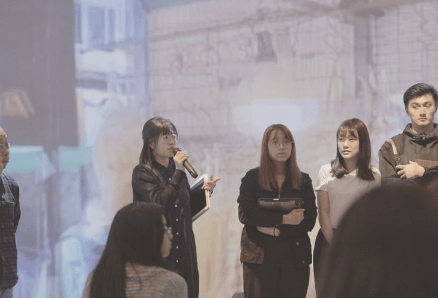
1st Stage – G2B
1st Stage – Curriculum Planning
In the first stage of curriculum planning for the (G2B) project, an innovative approach was taken to repackage the subject’s pedagogy in line with emerging technologies. This transformation was inspired by the development of immersive technology within the CSD, and focused on integrating modern learning tools into the subject’s curriculum and student assessments.
Key Features of the Curriculum Repackaging
1. Pedagogical Repackaging with Immersive Technology
As a CAR (General Education) subject, the curriculum underwent pedagogical repackaging to align with the rise of immersive technologies. This involved reshaping the teaching strategies to make the content more interactive, engaging, and relevant to students by utilizing these advanced tools.
2. Immersive Technology in Curriculum and Assessment
The immersive technology introduced through the CSD was directly integrated into both the subject curriculum and student assessments. This included the use of virtual reality (VR) and 360° videos, allowing students to experience real-world scenarios and apply theoretical concepts in a more tangible and impactful way.
3. Flipped Classroom and Blended Learning
The curriculum also adopted a flipped classroom model, where students engage with pre-recorded materials before class, allowing for more interactive, discussion-based learning during in-person sessions. This approach was combined with blended learning, which merged traditional classroom activities with online resources to provide a more flexible and accessible learning experience.
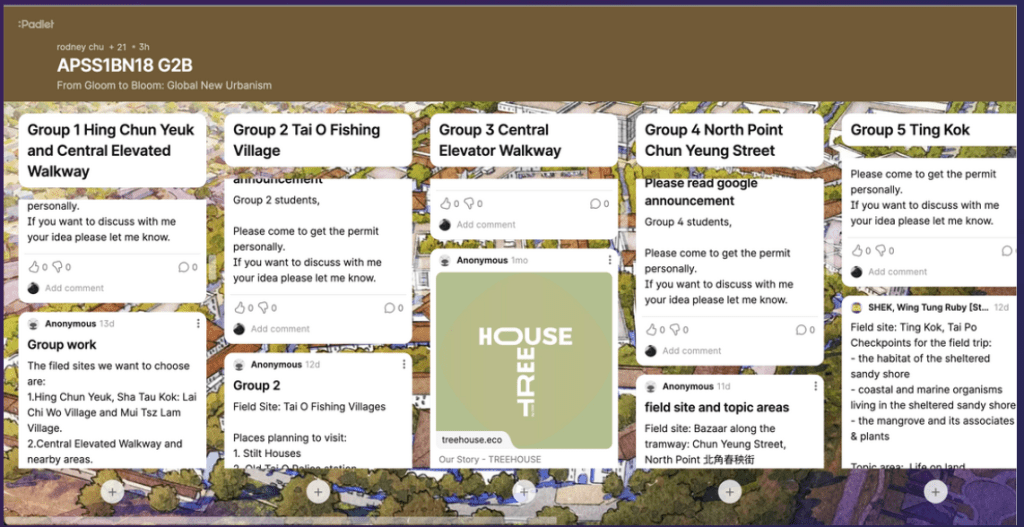
4. Integration of E-Learning Platforms (e.g., PADLET)
To support the flipped and blended learning models, e-learning platforms like PADLET were integrated into the curriculum. PADLET allowed students to collaborate, share ideas, and interact with course content in an interactive online environment, further enhancing their learning experience.
Looking Back: An Evolving Process
Hi The curriculum planning process for the (G2B) project has been an evolving journey, continuously adapting to incorporate new technologies and teaching methodologies. The integration of immersive technology and innovative pedagogical strategies has transformed the way students engage with the subject, offering them a richer, more dynamic learning experience.
This first stage of curriculum planning for the (G2B) project represents a significant step forward in the use of immersive technology in education, paving the way for future innovations in teaching and learning.
2nd Stage – Immersive technology into action

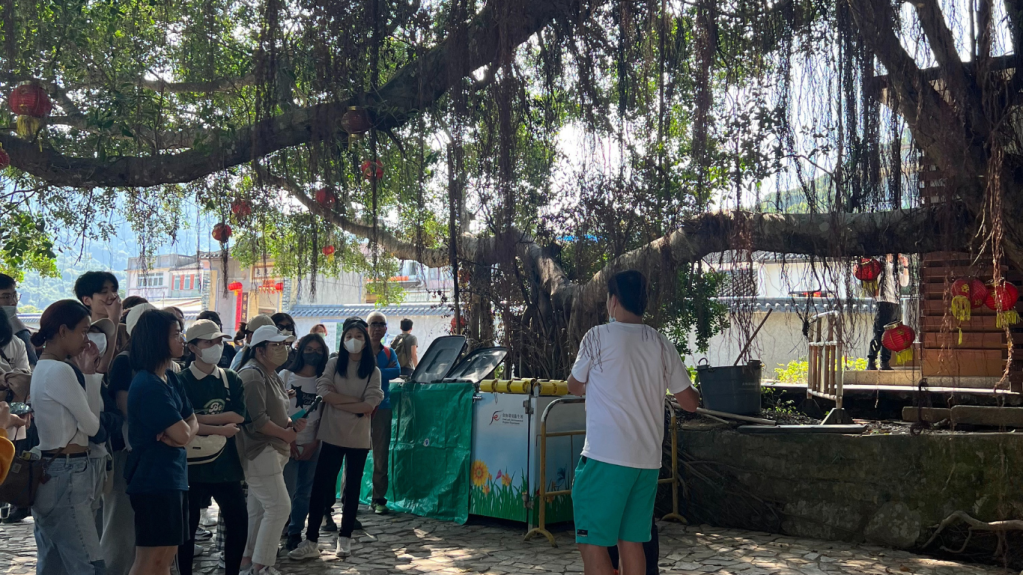
In the second stage of the curriculum development for the project, immersive technology was actively incorporated into the learning process, with a focus on using Sustainable Development Goals (SDGs) as a framework to connect sociological concepts with real-world applications. This stage marked a significant leap in integrating 360° cameras and 360° drones into course activities, offering students a unique opportunity to explore sociological themes through immersive experiences.
Key Components of the 2nd Stage
1. SDGs as a Link to Sociological Concepts
The Sustainable Development Goals (SDGs) were identified as the primary channel for students to engage with sociological concepts. By aligning course content with the SDGs, students were able to explore global challenges such as poverty, inequality, and environmental sustainability, and understand their relevance in local contexts. This provided a meaningful framework for students to connect abstract sociological theories with tangible, real-world issues.
2. Pre-Trip Site Observation and Planning
Before embarking on their field trip, students participated in pre-trip site observation and planning sessions. These sessions were designed to familiarize students with the immersive technology they would be using, such as 360° cameras and 360° drones. Students were encouraged to plan how they would utilize these tools to capture sociological themes during their site visits.
This preparation phase was crucial for ensuring that students could effectively document their observations and analyze their findings through immersive media.
3. Field Trip to Sha Tau Kok: Immersive Learning in Action
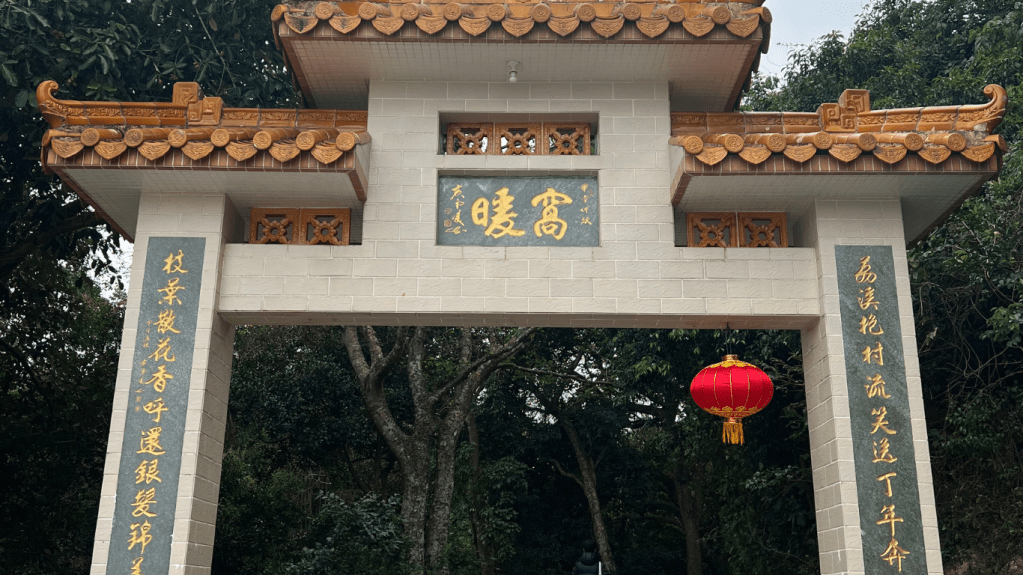
As part of the course, students participated in a field trip to Sha Tau Kok, a restricted area in Hong Kong with rich historical and sociological significance. Equipped with 360° cameras, students were tasked with documenting their chosen field study topics, capturing the environment and interactions in a way that allowed for a more in-depth and immersive analysis.
By using immersive technology, students were able to:
- Capture panoramic views of the site, providing a comprehensive visual context for their analyses.
- Document interactions and environments in real-time, offering a richer, more detailed perspective on the sociological dynamics at play.
4. Filming and Analysis with 360° Cameras
After the field trip, students were invited to use the 360° footage they captured to film and analyze their choice of field study. This immersive approach allowed students to revisit the site virtually, enabling more in-depth reflection and analysis of the sociological concepts they explored.
The use of 360° technology also facilitated peer-to-peer learning, as students could share their immersive videos with classmates, providing a more engaging and interactive platform for discussion and feedback.
The second stage of integrating immersive technology into the curriculum has been instrumental in bridging the gap between sociological theory and real-world practice. By using SDGs as a guiding framework and incorporating 360° filming technology, students have gained a deeper understanding of sociological concepts through hands-on, immersive learning experiences.
This stage represents a significant advancement in the project’s mission to create an innovative, engaging, and impactful learning environment for students.
Use of Google Classroom
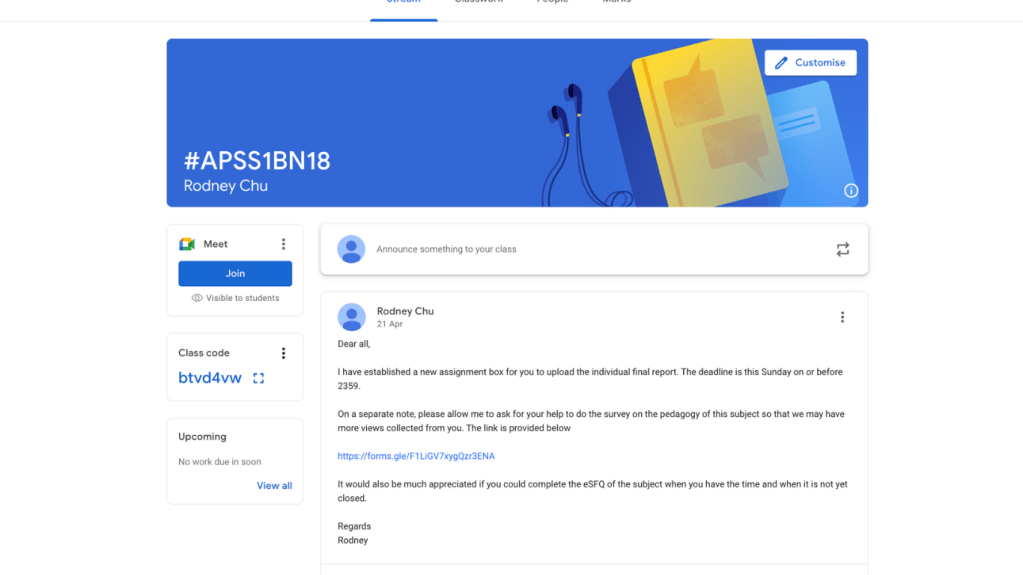
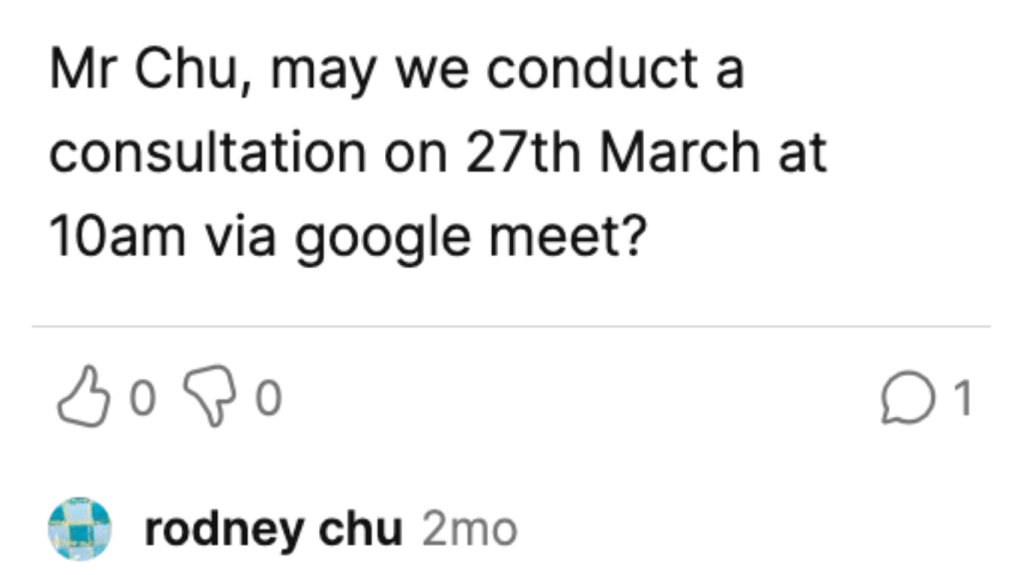
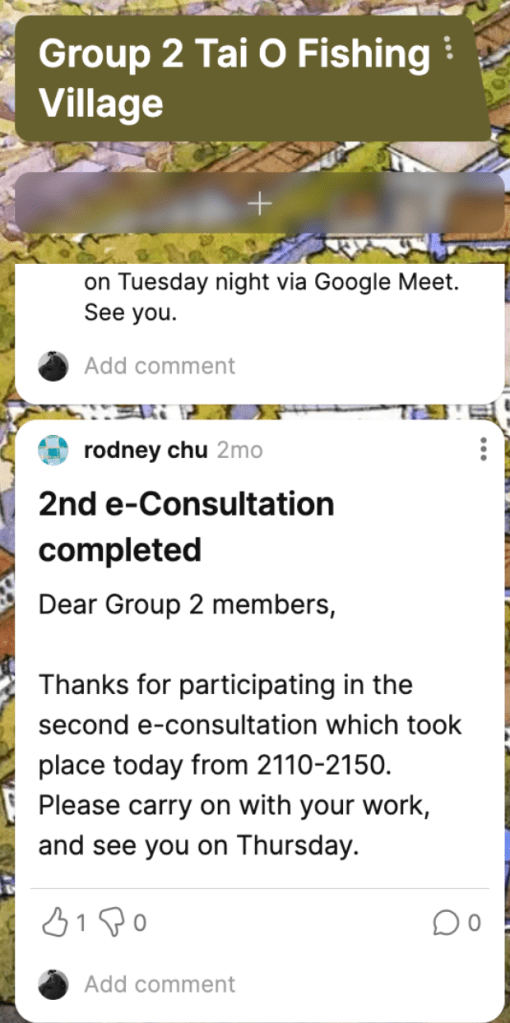
As part of the curriculum, the integration of Google Classroom and other digital platforms has significantly enhanced the collaborative learning experience for students. These tools served as essential resources for project coordination, communication, and sharing of progress, making both individual and group work more efficient and interactive.
Key Aspects of E-Learning Integration
1. Google Classroom as the Main Information Hub
In this phase of the course, Google Classroom was utilized as the central information hub where all course materials, announcements, and assignments were shared with students. This platform provided a structured and accessible space for students to:
- Access lecture notes, reading materials, and important updates.
- Submit their assignments and projects for review.
- Stay informed about deadlines and class announcements.
Google Classroom streamlined the distribution of content, ensuring students could easily access everything they needed in one place.
2. Google Meet for Group Consultations
To foster collaboration and provide real-time feedback, Google Meet was integrated into the course for group consultations. Through this platform, students were able to initiate meetings with their instructors and peers to discuss project progress, seek guidance, and clarify any uncertainties.
This use of Google Meet facilitated:
- Real-time communication between students and instructors.
- Collaborative problem-solving during group discussions.
- Convenient scheduling of consultations, allowing for flexibility in coordinating meetings outside of class hours.
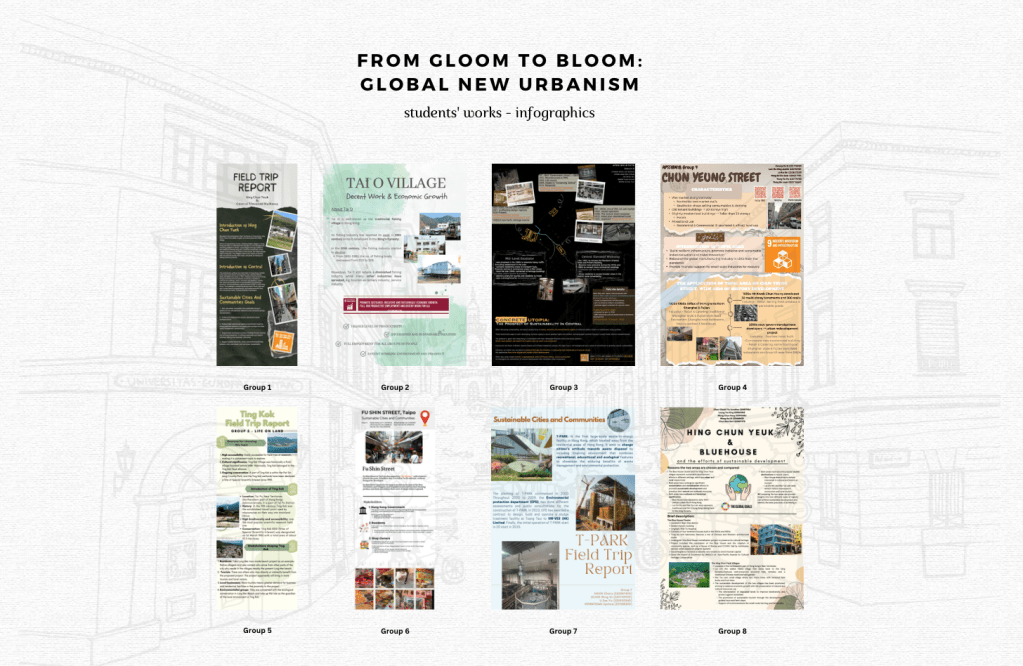
Overview of Student Groups Infographics
Final Stage – Round Table Discussion
The final stage of the curriculum brought together the students for a Round Table Discussion, where they presented their project outcomes and engaged in peer assessment through innovative and interactive formats. This stage marked the culmination of the immersive learning process, allowing students to showcase their work using CANVA infographics and 360 VR videos, while also participating in collaborative feedback sessions.
Key Components of the Final Stage
1. Project Presentations Using CANVA Infographics
Each group was invited to present their project outcomes in the form of CANVA infographics. These infographics were limited to three pages, encouraging students to distill the key points of their projects in a clear, concise, and visually appealing manner. This format allowed students to creatively communicate their findings, while also honing their design and presentation skills.
- Infographic Content: Students were tasked with summarizing the key sociological concepts, field trip findings, and their use of immersive technology in their projects.
- Visual Communication: The use of CANVA provided a platform for students to create professional-grade infographics that effectively conveyed complex information in a simple and engaging format.
2. 360 VR Video and QR Codes for Peer Sharing
In addition to their infographic presentations, each group generated a QR code linked to their 360 VR video. These QR codes allowed their peers to easily access and view the immersive videos, which documented the group’s field study and analyses.
- 360 VR Video Playback: The videos captured with 360 cameras provided an immersive experience for viewers, allowing them to virtually revisit the field study locations and gain a deeper understanding of the sociological issues explored by each group.
- Peer Assessment: The QR codes facilitated peer sharing and peer assessment, as students could scan the codes, watch the videos, and provide feedback on each other’s projects.
3. Round Table Discussion and Group Presentations in the HIVE
The final Round Table Discussion took place in the HIVE, a collaborative learning space designed to enhance digital interaction and teamwork. During this session:
- Each group presented their CANVA infographics and discussed the key findings of their projects.
- The 360 VR videos were played back on large screens, allowing the entire class to engage with the immersive content.
- Students participated in peer assessment, providing constructive feedback on the presentations and videos. The interactive environment of the HIVE enabled seamless transitions between presentations, video playback, and discussion.
4. Peer Collaboration and Feedback
The peer assessment process was integral to this final stage. By sharing their projects via QR codes and presenting their findings in the HIVE, students had the opportunity to:
- Collaborate and learn from each other’s work.
- Engage in a feedback loop, where they could reflect on their peers’ projects and receive suggestions for improvement.
- Foster a community of learning, where the exchange of ideas and constructive criticism helped enhance the overall quality of each project.
The final stage of the curriculum brought together the theoretical knowledge, immersive technology, and collaborative learning experiences that students had developed throughout the course. By using CANVA infographics, 360 VR videos, and QR codes, students were able to present their work in innovative ways and engage in meaningful peer assessment.
This round table discussion in the HIVE provided a dynamic and interactive platform for students to share their insights, reflect on their learning journey, and celebrate the successful integration of immersive technology into sociological studies.
This final stage marks the successful conclusion of the project, showcasing the power of immersive learning and collaborative technology in modern education.
 PolyU APSS CSD